PDFs and photos, sorted.
Edit, sign, redact, compare, protect, OCR, merge, compress and convert PDFs, and prepare passport photos and images, sized and cropped to the published requirements where we have read them. The tools run in your browser, so your files stay on your device.
- Runs in your browser
- Files stay on your device
- Free, quick tools need no account
Start with a task
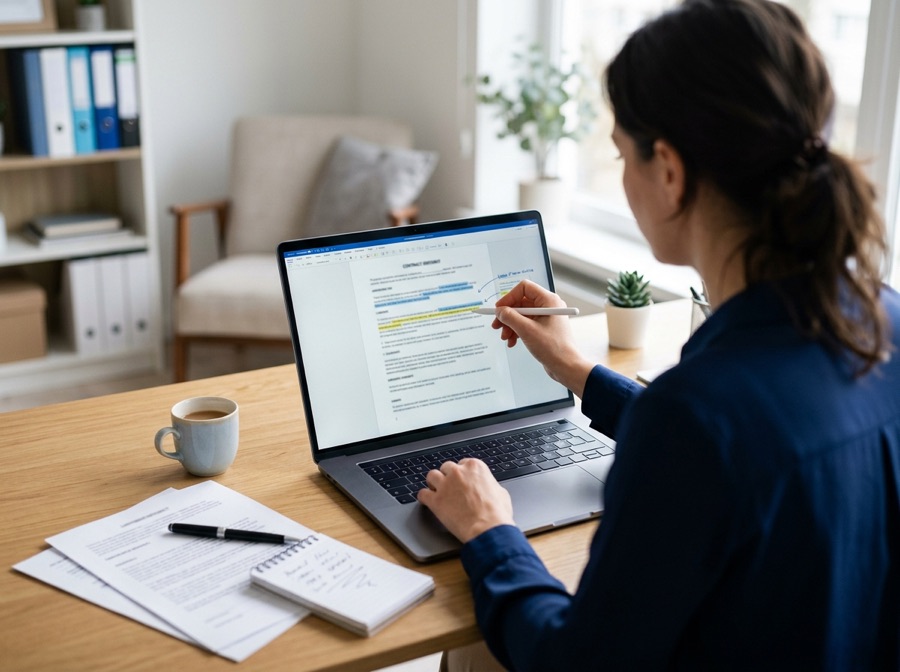
Edit a PDF
Add text, pictures, shapes, highlights and links in a full document editor.

Sign a PDF
Draw, type or upload your signature and place it on any page.
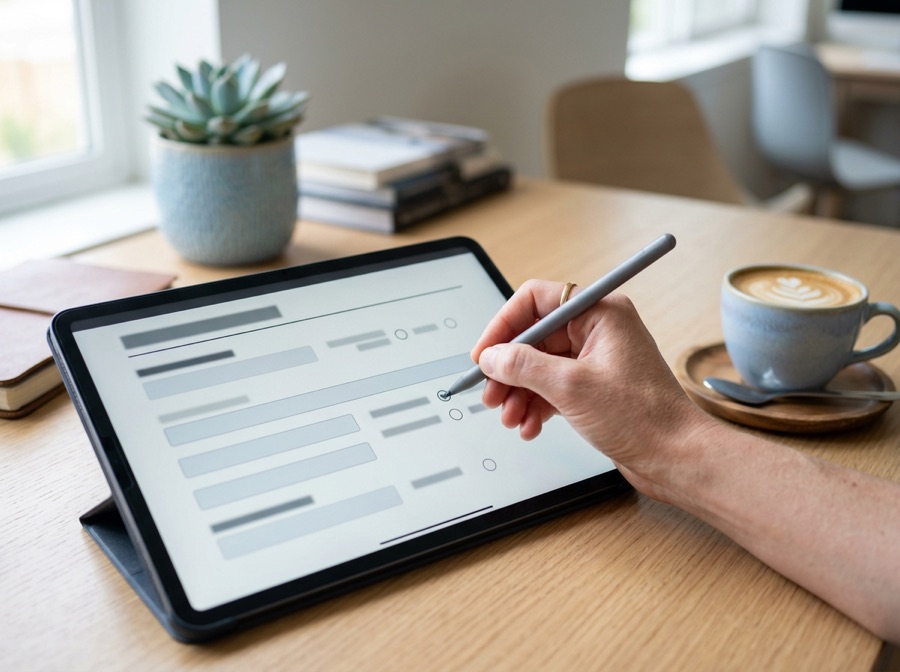
Fill in a PDF form
Type into boxes, tick tick boxes and choose from lists, then download.

Prepare a photo
Size and crop a photo for a passport, visa or other application.
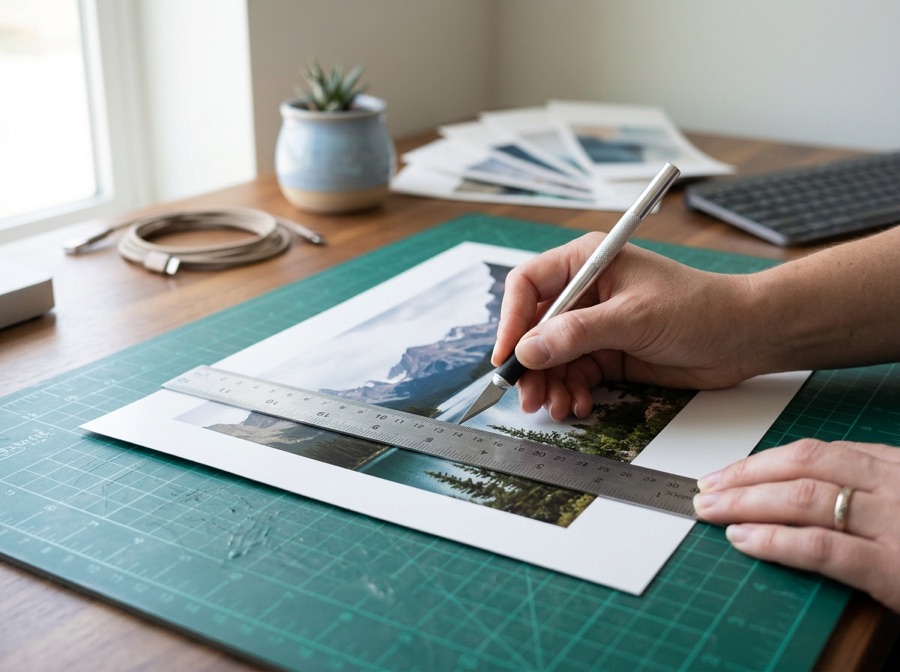
Edit an image
Resize, crop, convert or compress a photo or scan.
Edit, fill in and sign a PDF without printing it
Open a contract, form or letter as a full document with a toolbar. Add text and pictures, highlight, draw and tick, fill in the form fields, and add your signature: draw it, type it or upload a photo of it, then drag it to the right spot on any page.
- Click any text to change it, or add text, pictures, shapes and links
- Draw, type or upload your signature, and drag it into place
- Fill in form fields, add today’s date, tick boxes
- The document never leaves your device
A picture of your signature on the page, like signing a printout. It is not a certificate-based digital signature. Click any text already in the PDF to change it: the old words are covered, not removed, so use Redact a PDF when something must truly disappear.
The tools other sites charge for, free to use here
Redact, OCR, compare, protect, convert and batch: each one runs in your browser. Free covers everyday documents, and Pro raises the limits.
 Redact a PDFBlack out names, numbers and emails so the text is removed from the file, not just hidden. Find them by word or kind.
 OCR a scanned PDFTurn a scan into a PDF you can search and copy from, plus the plain text. Read in your browser.
 Compare two PDFsSee what changed between two versions: pages that differ, marked in red, and the words added or removed.
 Password protect a PDFLock a PDF with AES-256 encryption and choose whether people can print, copy or edit.
 Remove a PDF passwordOpen a protected PDF with the password you know and save a copy without it.
 Word, Excel and PowerPoint to PDFConvert an Office document to PDF. The one tool that uses our converter, and it says so first.
 Batch image toolsResize, compress, convert or watermark many images at once and download a ZIP.
- Saved signaturesSave your signature and initials to your account and add them in one click, on any document.
Formats by country

- Guide available (click to select)
- Not covered yet (disabled)
- Country with its own page
Select a coloured region to see its photo and document formats. Grey regions are not covered yet, so they cannot be selected. Your choice pre-selects the country in the photo tools.
 United Kingdom
 United States
 Canada
 Australia
 Ireland
 Germany
 France
 Netherlands
- Schengen area (Europe)
 India
 Singapore
Each country page links to the issuing authority's own page and shows the date we read it. GetFormatted is not affiliated with any government, and the authority makes the final decision on every application.